ATRIUMA ·
Project management: buildings, units and availability
Create your project step by step and follow its buildings, units and sales on one screen.
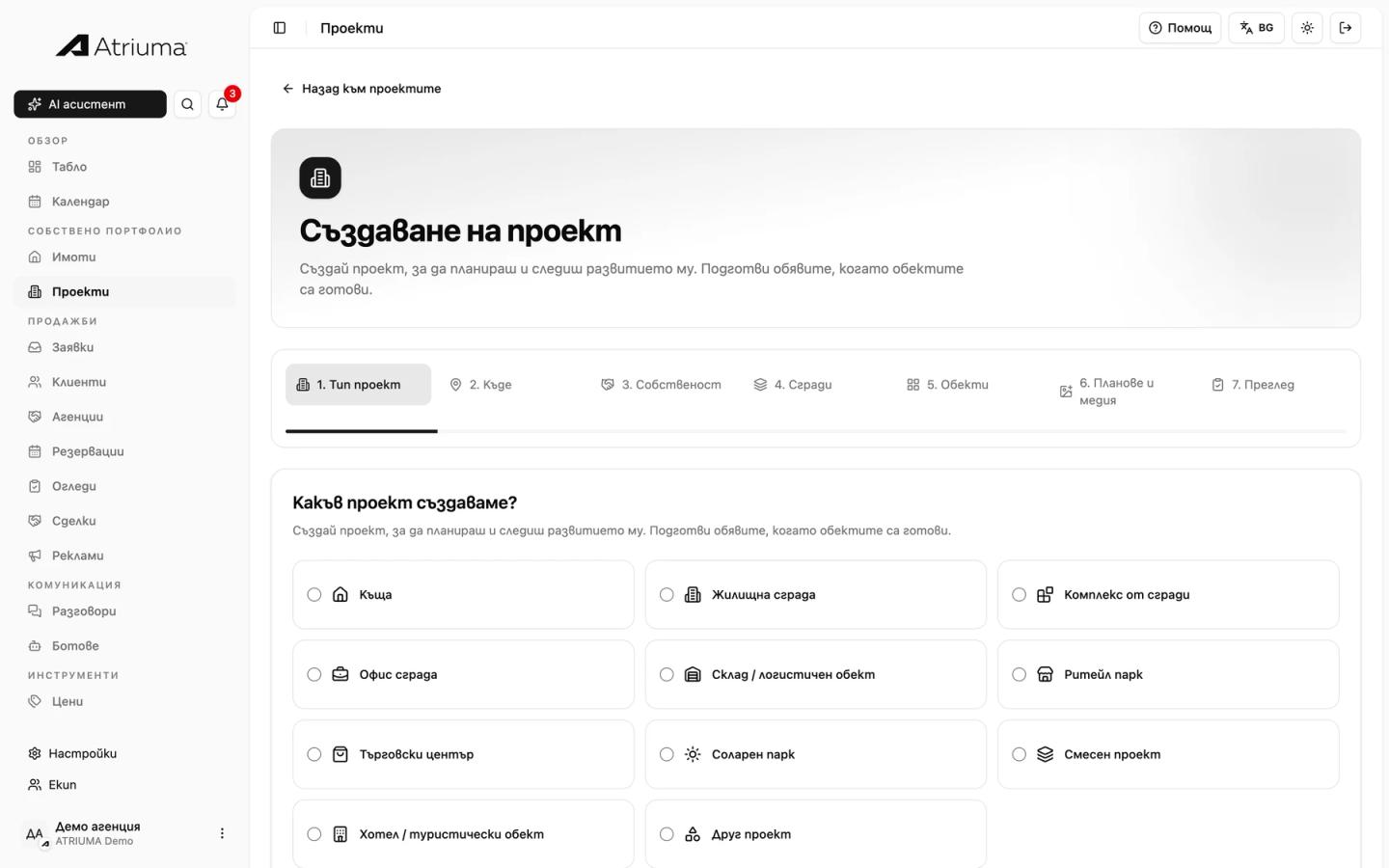
For developers, and for agencies that sell whole buildings, Backoffice keeps the project, its buildings and its units in one place.
Your projects on one screen
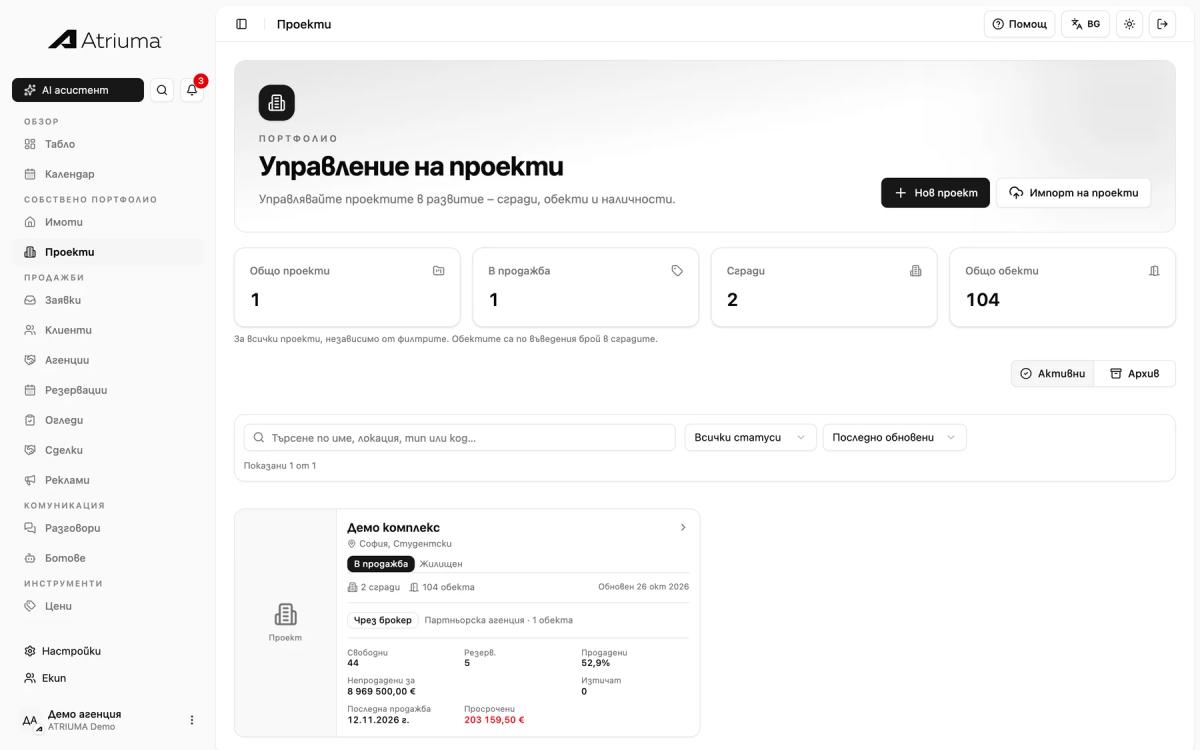
You see how many projects you have, how many are on sale and how many buildings and units they contain. Each project shows its free, reserved and sold units, the value of what is unsold, the latest sale and any overdue amounts.
Created in seven steps
Project type, location, ownership, buildings, units, plans and media, then a review. The types include house, residential building, complex of buildings, office building, warehouse or logistics site, retail park, shopping centre, solar park, mixed-use project and hotel.
Importing existing projects
If you already keep your projects elsewhere, the “Import projects” button brings them in so you do not enter them again.
Where to find it
Own portfolio → Projects in the Backoffice menu.
The screens in this article are current as of November 2026 and show sample data.