ATRIUMA ·
Publish to imot.bg straight from Backoffice
Connect your imot.bg account and Backoffice creates and updates your listings there whenever you publish a property.
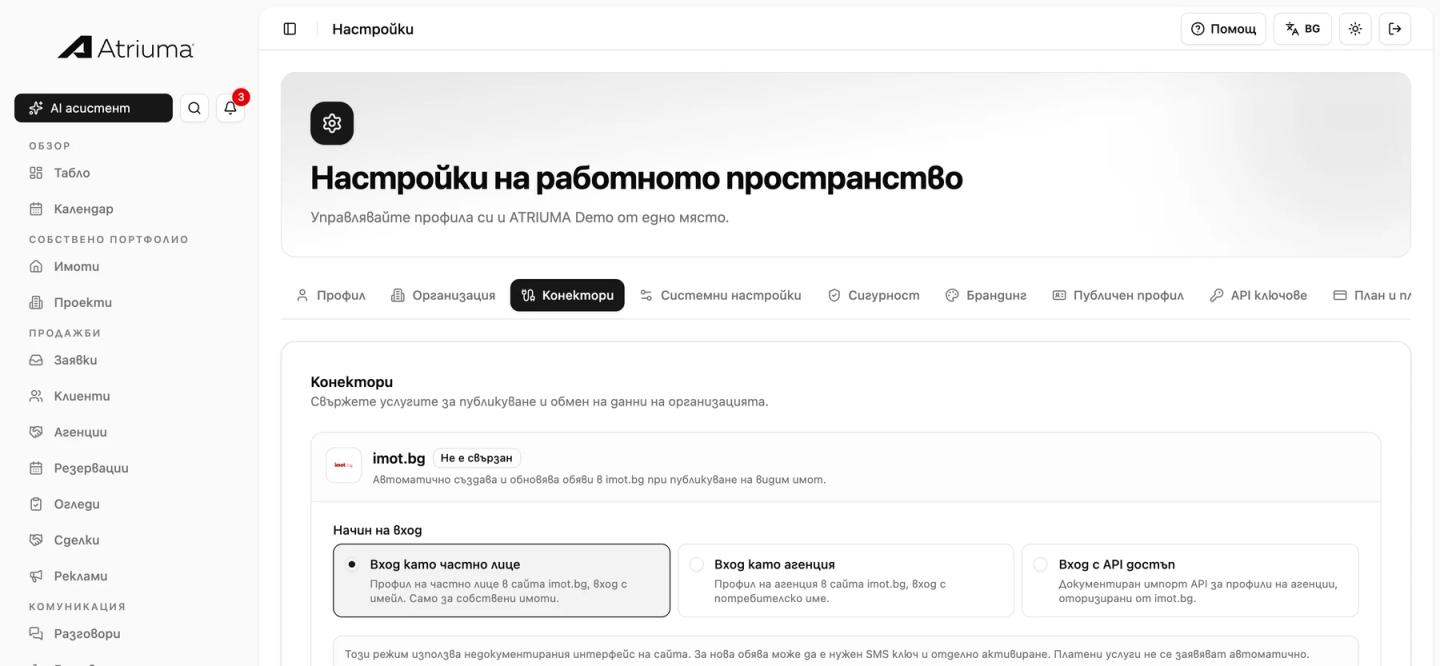
You no longer need to enter the same listing in two places. The imot.bg connector publishes it for you.
What the connector does
Once your account is connected, Backoffice automatically creates and updates listings on imot.bg when you publish a visible property.
Three ways to sign in
Choose sign-in as an agency, sign-in as a private person for your own properties, or API access, which uses imot.bg's documented import for agency accounts.
Security
The password is stored encrypted and is never sent back to the browser. Paid services on the portal are not requested automatically.
More portals to follow
We are preparing connectors for other portals too. We will announce them here when they are ready.
Where to find it
Settings → Connectors in the Backoffice menu.
The screens in this article are current as of November 2026 and show sample data.