ATRIUMA ·
The Backoffice map: search by place and themed modes
Search by region, town, district, street or property and switch the map by theme: cadastre, new construction, districts, mobility and more.
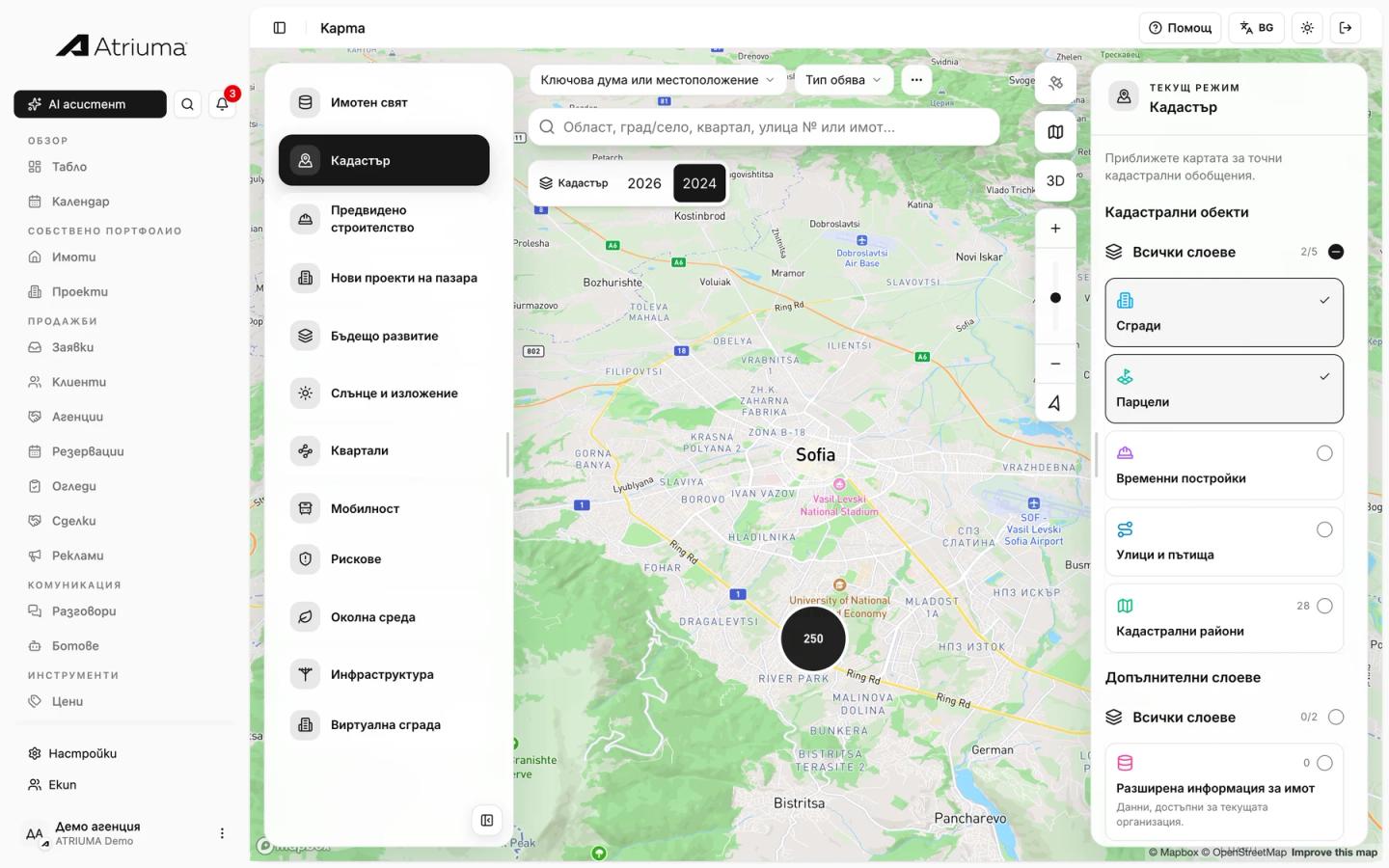
The map in Backoffice is a place to work, not a backdrop. From it you reach the property, the area and the official data about it.
Search by place
Type a region, a town or village, a district, a street with a number or a cadastral identifier. The map goes there, and the listing-type selector narrows the results.
Themed modes
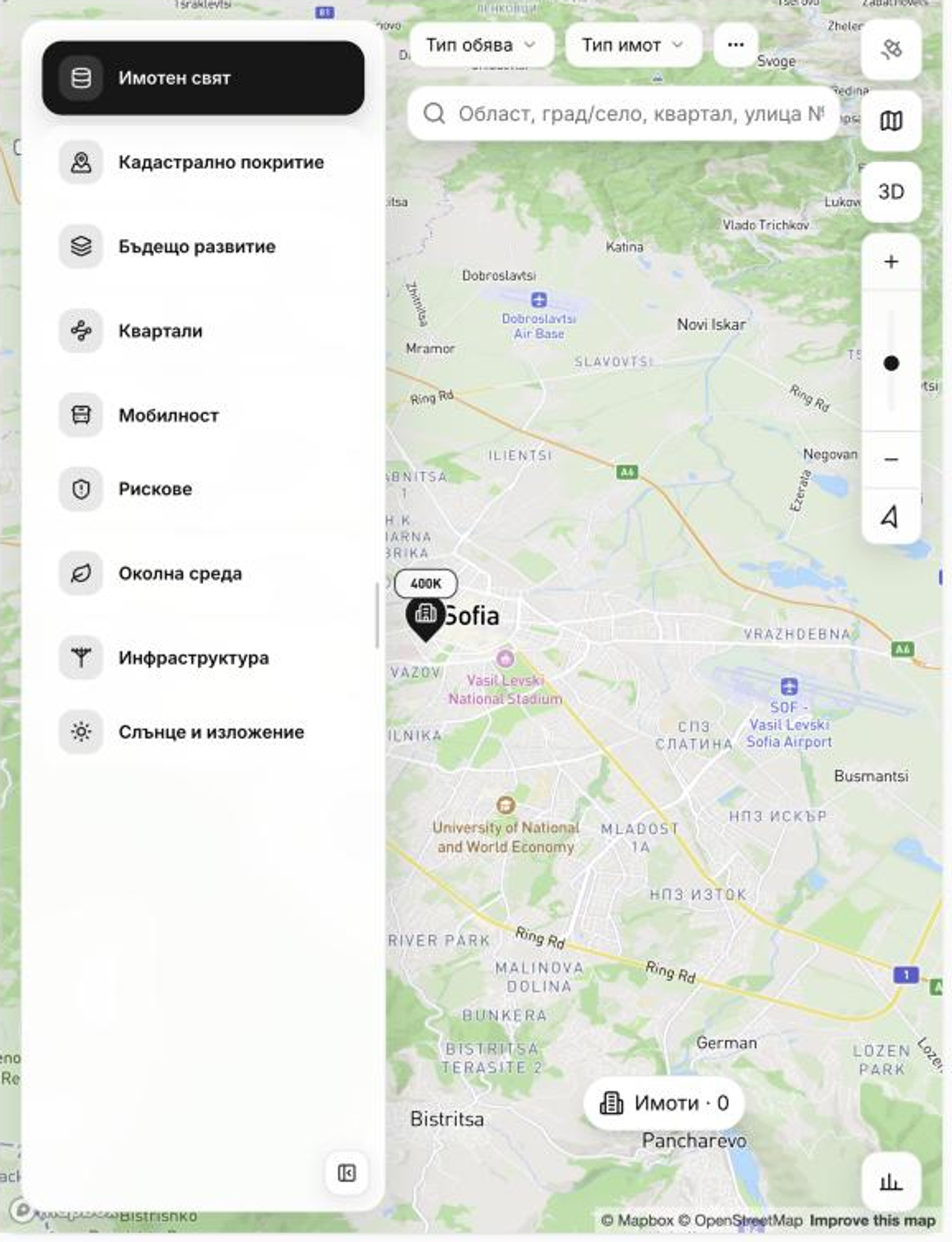
The panel on the left switches what the map shows: Property world, Cadastre, Planned construction, New projects on the market, Future development, Sun and exposure, Districts, Mobility, Risks, Environment, Infrastructure and Virtual building.
Cadastral layers
In “Cadastre” mode you choose which objects to see: buildings, parcels, temporary structures, streets and roads, and cadastral districts. Click a property to open its cadastral passport.
Where to find it
Tools → Map in the Backoffice menu.
The screens in this article are current as of November 2026 and show sample data.